Free · browser only · nothing uploaded
Take the matcha back out of your photo.
Drop in a photo or clip and this measures how much of the filter is actually there, then inverts it — cast, lifted blacks, flat contrast and grain. It also tells you, before you waste time, when a file is past recovering.
Before and after
Drag any image to compare
A file made here
comes back exactly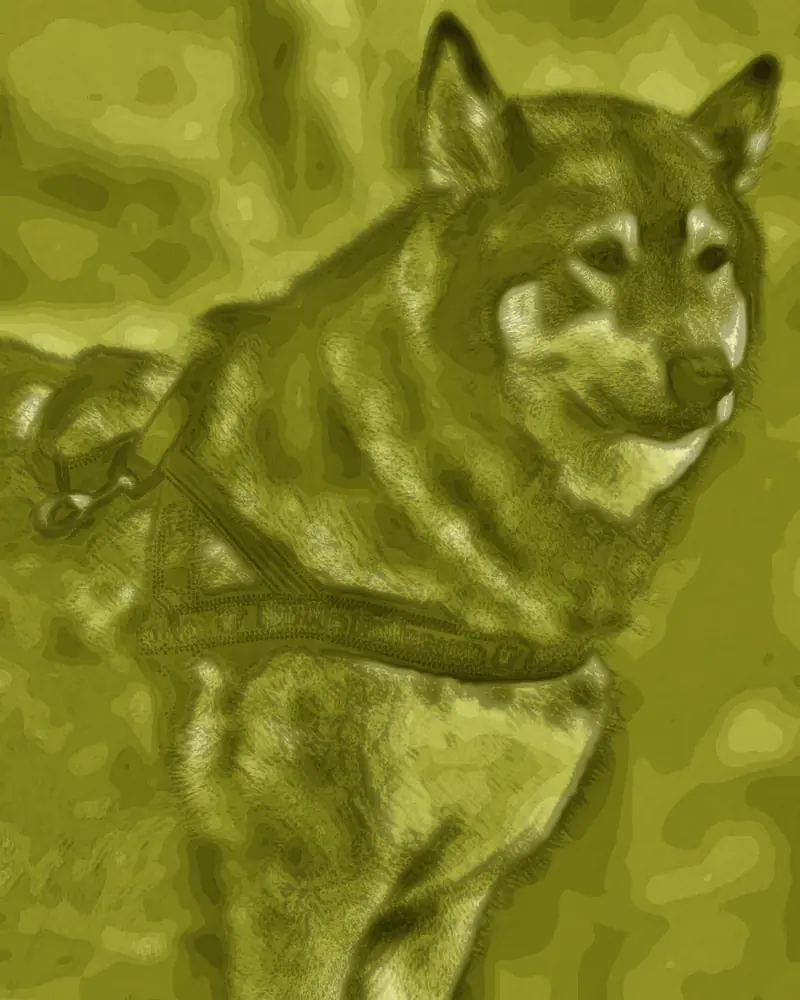
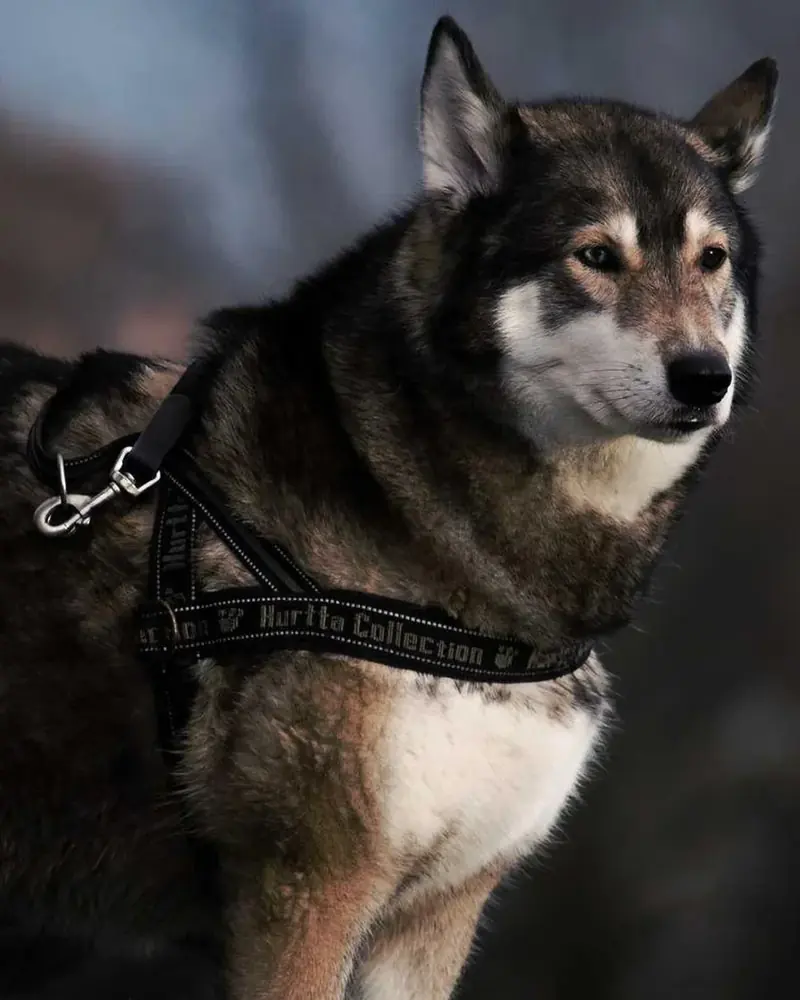
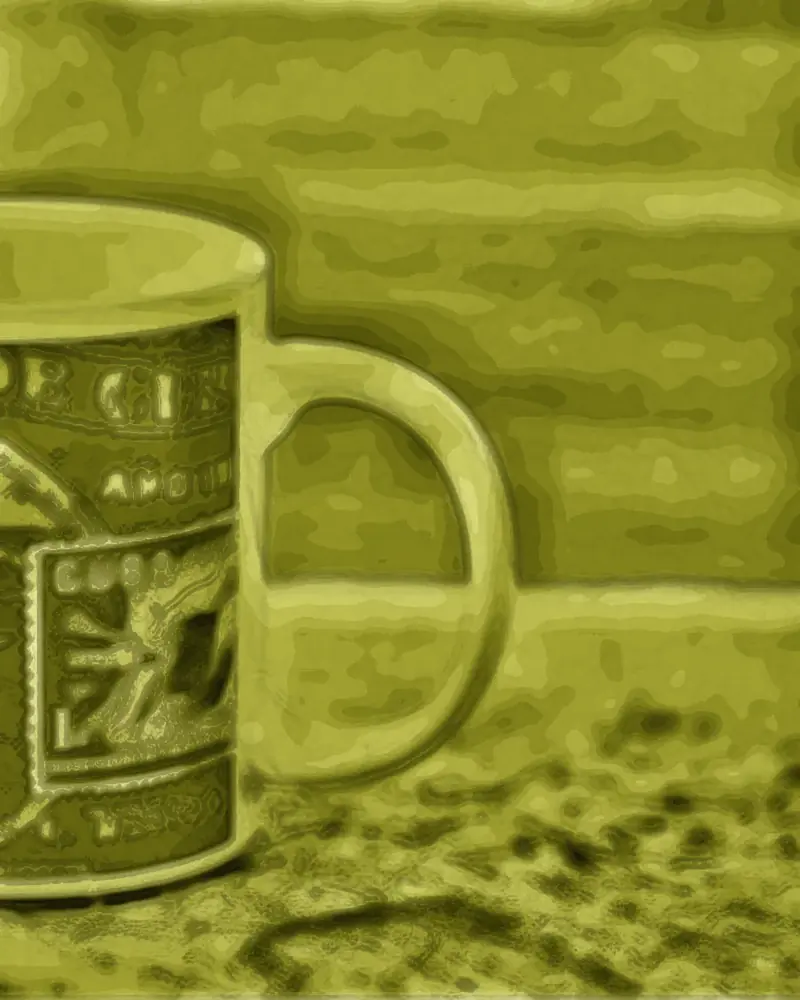

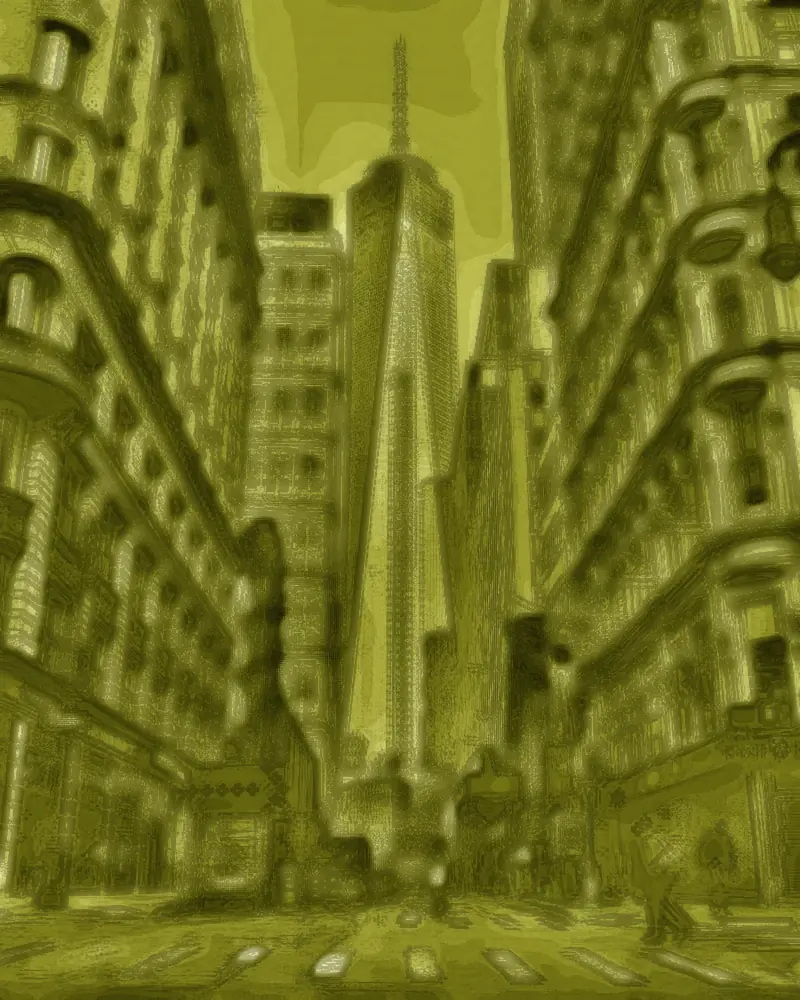
The Apply tool tucks your original into the PNG it hands you, so taking the look back off is a lookup rather than a guess. Measured across the round trip that lands at 0.77 dE and 45.9 dB — below the threshold where a difference is visible at all. A screenshot or a re-save by another app drops the data, and so does a file that came from anywhere else: those go through estimation instead, which returns shape and shading but not colour. The tool measures which case it has and says so before you spend any time on it.
What comes back
- Green-yellow colour cast
- Measured and inverted along the filter's own axis.
- Lifted, milky blacks
- The filter raises the black floor; that is a fixed offset and it comes back off.
- Flattened contrast
- The compression is a known curve, so it re-expands.
- Added grain
- Removed before the correction runs, which is where it does least damage.
What does not
- Detail the filter blurred away
- Softening discards high frequencies. They are not stored anywhere.
- Colour under a full art-style render
- That look maps every colour onto one green ramp. The chroma is gone, not hidden.
- Anything an overlay covered
- Masks, stickers, blur and paint replace pixels. Nothing sits underneath them.
- Warped or liquefied shapes
- Geometry that moved was never saved in its original position.
Measured, not asserted
Every figure below comes from running the tool against originals it never saw. dE is average CIE Lab colour difference, where under 1.0 is the threshold at which a difference stops being visible; higher dB is closer to the original.
| Case | Before | After | Verdict |
|---|---|---|---|
| A file made by the Apply tool here | 57.6 dE / 11.1 dB | 0.77 dE / 45.9 dB | Exact |
| A matcha colour grade | 20.6 dE / 15.0 dB | 4.2 dE / 29.4 dB | Close to the original |
| A full art render from elsewhere | structure 0.25 | structure 0.21 | Does not beat leaving it alone |
| A photo with no filter on it | 0.34 dE | untouched in 79 of 80 | Correctly left alone |
The third row is the one worth reading twice. Removing a heavy art render from a file that came from anywhere else scores worse on structural fidelity than doing nothing at all, so the tool detects that case and says so instead of pretending. The reason is in what the effect actually does: it maps every colour onto one green ramp, and detail smaller than one fourteenth of the tonal range is discarded rather than dimmed. Neither is reversible by arithmetic.
It measures first, then corrects
- 01
Measure
A thumbnail of your file is analysed for three things at once: the direction of the cast, how far the black floor has been lifted, and whether the shadows carry the same tint. All three have to agree before anything is changed.
- 02
Invert
The filter is a per-channel gain and offset, so it has a true inverse. Grain is cleaned first, because inverting a blue gain of about a third would otherwise make it three times louder.
- 03
Judge
If the colours have collapsed onto a single green ramp, the file is a full art render and the original colour is gone. You are told that instead of being handed an invention.
Questions
Is this free, and do I need an account?
It is free and there is no account, no credit system and no watermark. The work happens on your own GPU, so there is no per-image cost for us to pass on.
Do you upload or keep my photos?
No. The file is opened from your disk directly into this browser tab and processed there. There is no upload endpoint in the site at all, which you can confirm in your browser's network panel while you use it.
Can this show me what is under the filter on someone else's video?
No, and nothing else can either. A filter that obscures detail does so by discarding it before the video is ever saved, so the information is not present in the file you downloaded. Any tool claiming otherwise is generating an invention, not a recovery.
Why does my result still look a bit green?
The correction is deliberately conservative, because pushing further starts inventing colour rather than recovering it. The tool measures how much of the filter is actually present and inverts exactly that much, so a file that was lightly graded comes back lightly corrected. If a lot of green remains, the likely reason is that the green was in the scene rather than in the filter.
It says no matcha grade was found, but my photo is clearly green.
The detector requires the filter's full signature: the cast direction, a lifted black floor, and a matching tint in the shadows. Golden-hour light and green foliage produce the first without the others, and correcting those would wreck a photo that was fine. Measured across eighty untouched photos this holds back on seventy-nine of them, which is the behaviour worth having: a tool that corrects everything you hand it is not measuring anything.
What about video?
Video works the same way and processes every frame live. Saving replays the clip once in real time to record it, and exports WebM without audio.